Focused HVAC workflow builds start at $795See what is included
AI AUTOMATION BUILT FOR HVAC OPERATIONS
Book more of the leads you already pay for—without adding more office work.
Crescent Solutions AI answers calls, texts, and web leads 24/7, checks your service area and availability, books approved jobs, routes the details, and follows open estimates using your current software.
Focused workflow builds start at $795. Larger connected systems are scoped separately.
One KPI agreed before buildAI never books outside your rulesStaff receives every exception
LIVE HVAC LEAD FLOWAFTER HOURS
New urgent AC requestAI answered immediatelyCustomer, need, address, and urgency captured
Service area and job need verifiedIN AREA
Live capacity checkedSLOT FOUND
Job booked and customer confirmedBOOKED
On-call technician auto-routedDISPATCHED
RESULTCustomer confirmed. Technician has the job details.
You choose service area, hours, job types, and when staff steps in.
Works with the software your team already knows
We confirm the available connections before anything is built. ServiceTitan
 Housecall Pro
 Jobber
 FieldEdge
 QuickBooks
 HubSpot
 Zapier
 CallRail
FROM LEAD TO COMPLETED JOB
The customer gets a next step. The office keeps control.The technician gets the details.
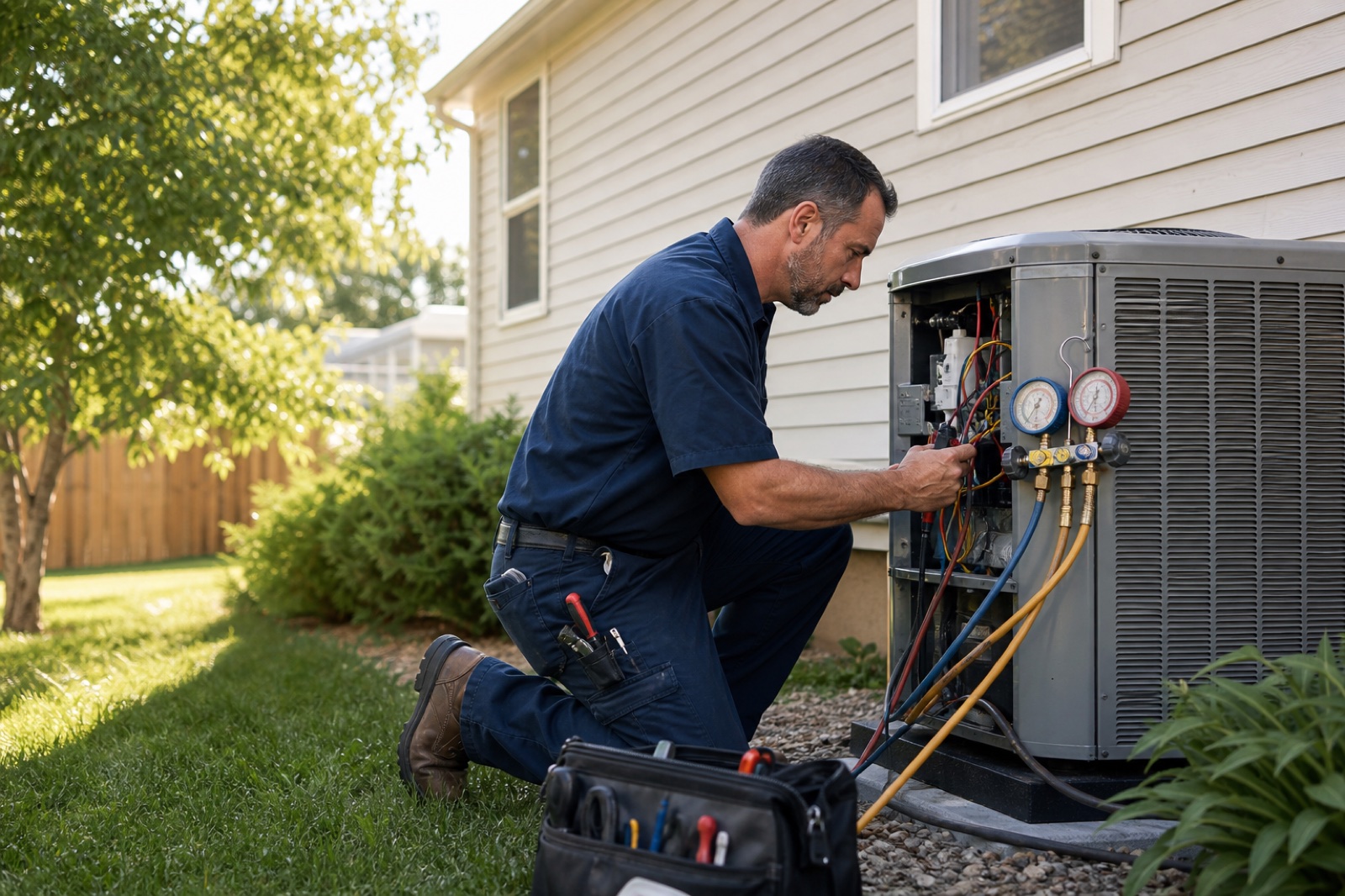


HVAC CUSTOMER FEEDBACK
What changes when follow-up runs consistently.
Less admin. Cleaner communication. More consistent follow-up across the office and field.
“We average about 180 service calls a month, and automating customer follow-ups probably saves our office 8–10 hours every week. The biggest win has been consistency.”
Michael

“We have 12 technicians, so communication matters. The new workflow cut down on back-and-forth calls between the office and the field.”
Anna

“We tracked roughly 6 hours of admin savings each week after the rollout. That's time we can actually use to grow.”
Josh

THE HVAC REVENUE OPERATOREvery lead gets answered, acted on,
Every lead gets answered, acted on,
and accounted for.
No vague AI assistant. Each workflow has a trigger, approved rules, a staff handoff, and a result your team can see.
You choose the rules. Crescent Solutions AI builds and tests them.Answer and book new leads
AI answers calls, texts, and web leads 24/7, collects the job details, checks your service area, and books only the work you approve.
Every lead is booked, handed to staff, or marked with a clear reason it could not move forward.Route jobs without breaking your schedule
The workflow checks availability, urgency, location, technician skill, and on-call rules before offering an appointment or dispatching the job.
Nothing auto-books outside your service area, available capacity, or approved job rules.Work the revenue already in your pipeline
Automation follows open estimates, due maintenance, expired memberships, and past customers when your schedule has room.
Follow-up stops on reply or opt-out and alerts staff when a customer is ready to talk.The promise: no request disappears into an inbox or call log.It is booked, handed to staff, or marked with the exact reason it stopped.
Run your numbersHIGH-VALUE HVAC AUTOMATIONS
Automations that fill the schedule—not just answer the phone.
These workflows watch your schedule and customer data, then take the next approved action without the office building lists or chasing replies.
CAPACITY RECOVERYSAMPLE RUN
Empty-Day Fill Autopilot
When a weekday has open maintenance slots, the system finds past customers who are due for service, sends a day-specific reminder with your approved promo code, books directly into that day, and stops outreach when the slots are full.
TRIGGERThursday has 3 open maintenance slots
MATCH27 past customers are due for service
ACTIONThursday-only reminder and promo are sent
STOPOutreach pauses as soon as all 3 slots book
BUSINESS RESULTRecover technician hours that would otherwise sit empty.
SAME-DAY RECOVERYSAMPLE RUN
Cancellation Slot Rescue
When a customer cancels, the system checks nearby jobs, customers who asked for an earlier appointment, technician skill, and drive time—then offers the opening and updates dispatch after someone accepts.
TRIGGERA 1:30 PM service call cancels
MATCH6 nearby jobs fit the technician and route
ACTIONThe earlier opening is offered by text
RESULTThe first accepted job fills the slot
BUSINESS RESULTKeep the truck productive without the office calling down a list.
FIELD-TO-OFFICE FOLLOW-UPSAMPLE RUN
Technician Notes to Revenue
When a technician closes a job, the system turns field notes into a customer-friendly summary, identifies unapproved recommendations, starts the approved follow-up, and alerts the office when the homeowner replies.
TRIGGERJob closes with 2 unapproved recommendations
BUILDA clear homeowner summary is drafted
FOLLOW UPApproved reminders start automatically
HANDOFFInterested replies reach staff with context
BUSINESS RESULTStop good repair and upgrade opportunities from dying in job notes.
YOUR LEAK, IN YOUR NUMBERS
What is inconsistent follow-up worth each month?
Add the calls, web leads, open estimates, and due maintenance opportunities your team is not consistently working. Then replace every input with your actual numbers.
Open opportunities × re-engaged × booked × average job value
The result changes live as you edit the inputs.
USE YOUR NUMBERSMonthly opportunity calculator
Count unanswered calls, cold web leads, open estimates, or due maintenance opportunities your team is not consistently working.
OPEN40opportunities→RE-ENGAGED12conversations→BOOKED4.8jobs
MODELED MONTHLY BOOKED REVENUE$3,120Based only on the inputs above. Change them to match your business.
HOW A LEAD MOVES
The system follows your rules. Your team handles the exceptions.
Routine calls, booking, routing, and follow-up can happen automatically. Safety, technical questions, unusual pricing, and uncertain situations go to a person.
Understand the request
Collect the customer, problem, urgency, location, membership, and job history.
Check your rules
Check service area, schedule availability, technician skill, price limits, and when staff should step in.
Do the next task
Book, route, notify, follow up, and update the tools your office and field teams already use.
Show the result
Show what was answered, booked, recovered, handed to staff, or left unfinished.
WHAT YOU CAN BUY
Start with one workflow. Add the next only after it works.
Every build has a clear trigger, approved actions, a staff handoff, failure-path testing, and one business number to improve.
STARTING AT$795One working automation
Focused Workflow Starter
Build and test one focused workflow so you can experience the quality before expanding into a larger system.
One trigger, one action, one staff handoff, and one KPICONNECTED BUILDScopedCore daily workflows
Connect Calls to Dispatch
Connect customer intake, live availability, booking, routing, staff handoff, and job tracking.
Calls, booking, dispatch, and staff handoffs work togetherFULL SYSTEMCustomFull customer journey
Full HVAC Automation System
Connect calls, dispatch, estimate follow-up, memberships, maintenance, and owner reporting.
Launch in stages so the office can adopt each workflow safelyEvery build includesExact trigger and next actionYour rules and staff handoffFailure-path testingOne KPI dashboard
WHERE AI STOPS
AI handles routine work. Your people handle judgment.
You decide what can be booked, which calls are urgent, when prices can be discussed, and which situations must go directly to staff.
Your rules, not guesses
The system follows your service area, hours, job types, capacity, price boundaries, and handoff policy.
Staff takes over when needed
Safety, technical judgment, sensitive calls, pricing exceptions, and uncertainty move to an approved person.
Tested before customers use it
We test duplicate requests, opt-outs, system outages, after-hours calls, transfers, and unusual situations before launch.
STRAIGHT ANSWERS
What an HVAC owner should know before handing work to AI.
What it handles, when staff steps in, what software it uses, and how results are tracked.
Get My HVAC Automation PlanWhat can I start with for $795?
A focused, working automation with one trigger, one approved action, one staff handoff, failure-path testing, and one KPI. Good starter examples include lead response, open-estimate follow-up, or a scheduled maintenance reminder. Connected booking and dispatch systems are scoped separately.
What do I get before I decide to build?
A written plan for the first workflow: what starts it, what the AI does, which software it touches, when staff takes over, and the one number that will show whether it is working.
Is this just another AI answering service?
No. Answering is only the first step. It can also collect job details, book approved work, route the request, follow open estimates, contact due maintenance customers, and show your team what happened next.
Can it work with ServiceTitan, Housecall Pro, Jobber, or our current software?
Yes, when the required access is available. We confirm what your software can connect to before the build, so you know what will work without replacing the tools your team already knows.
Can it book and dispatch jobs automatically?
Yes, where the decision rules are clear. The system can check service area, job type, urgency, schedule capacity, technician skill, geography, and on-call rules before booking or routing. Anything outside those boundaries goes to a person.
What happens with emergencies or technical questions?
The system uses approved language, records what the customer reports, and escalates safety-sensitive or uncertain situations. It does not invent diagnoses, promise unavailable service, or replace technician judgment.
Can estimate follow-up work without annoying customers?
Yes. You approve the timing, messages, business hours, and opt-out rules. Follow-up stops when the homeowner replies, and your staff receives the conversation when someone is ready to talk.
Can it help grow memberships and maintenance demand?
Yes. It can contact customers who are due for tune-ups, have expired memberships, received unsold recommendations, or have not booked recently. Outreach can run when the schedule has room.
How will we measure whether it is working?
We choose the number that matters before building: response time, calls handled, jobs booked, estimates recovered, customers reactivated, or office time saved. Then the workflow reports against it.
Do we have to automate everything at once?
No. Start with the one problem costing the most time or jobs. Add the next workflow only after the first one works reliably for your team.
GET A CONCRETE AUTOMATION PLAN
Know exactly what to automate first—and what it should improve.
Bring your call flow, schedule rules, current software, and biggest bottleneck. Get the first workflow, staff handoff, and KPI mapped out.
Get My HVAC Automation PlanOne workflowOne staff handoffOne number to improve